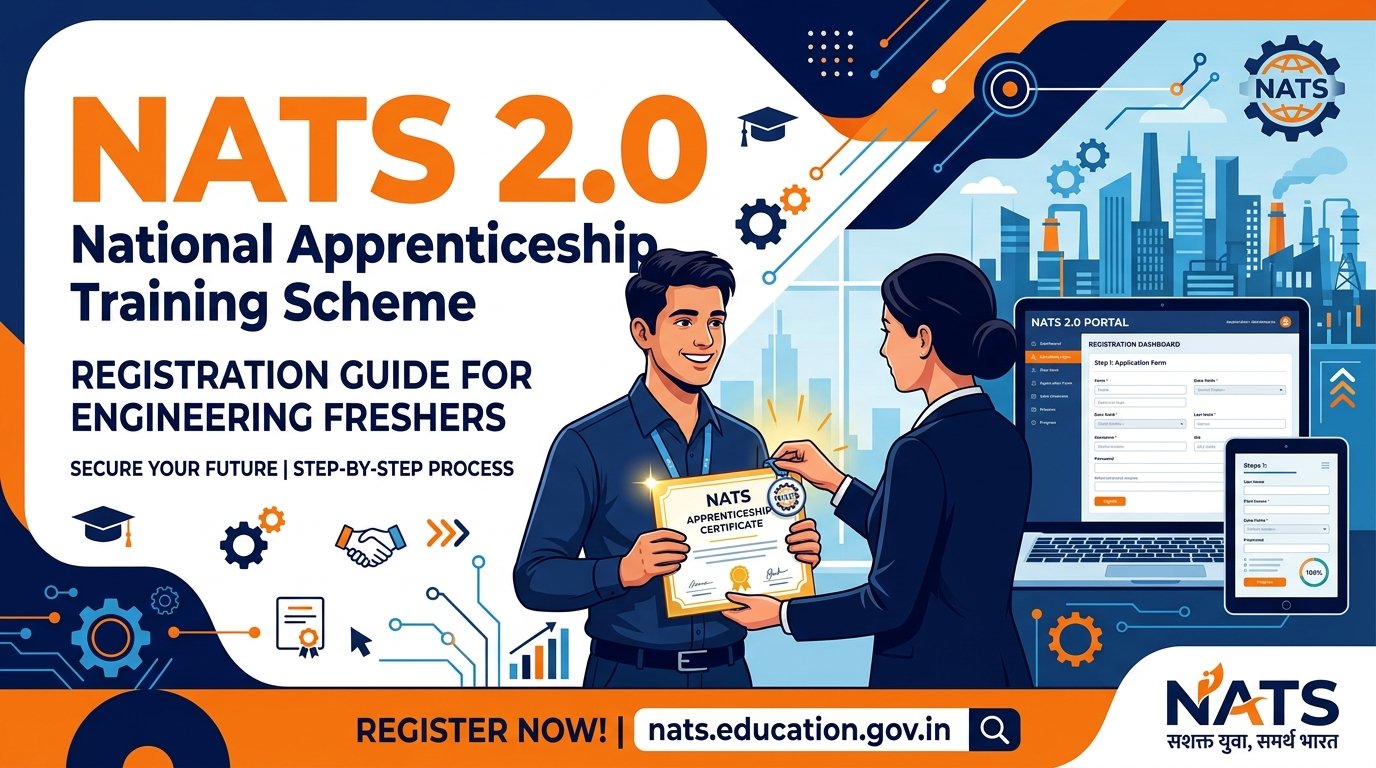
If you are a recent engineering or diploma graduate in India, you have likely noticed that many high-paying Public Sector Undertakings (PSUs) require a “NATS Registration ID” to apply for their apprentice training programs.
The National Apprenticeship Training Scheme (NATS) is a flagship program by the Government of India designed to bridge the gap between fresh graduates and industrial employers. With the launch of the updated NATS 2.0 portal, the registration process has been completely digitized and linked with Aadhaar-based e-KYC.
This comprehensive guide will walk you through the eligibility criteria, required documents, step-by-step enrollment process, and how to get your NATS 2.0 ID approved quickly. You can also browse current Government Jobs openings on FreshersJob4U to see which recruiters are asking for a NATS ID right now.
Who is Eligible for NATS 2.0?
Before starting your registration, make sure you meet the basic eligibility criteria laid down by the Board of Apprenticeship Training (BOAT):
- Educational Qualification: You must hold a regular Degree in Engineering/Technology, a Diploma in Engineering/Technology, or a degree in non-engineering fields (like B.Sc, B.Com, B.A, B.Pharma) from a recognized university or board.
- Work Experience Limit: You must not have any prior work experience of one year or more.
- No Prior Apprenticeship: You must not have undergone apprenticeship training under this or any other scheme previously.
- Time Constraint: Usually, you are eligible to enroll within three years of passing your qualifying degree or diploma exam.
Documents Required Before You Start
Having your documents ready in the correct formats will prevent session timeouts and application rejections. Scan and save the following:
- Aadhaar Card: Ensure your Aadhaar is linked with an active mobile number to receive OTPs during verification.
- Passport Size Photograph: Clean color photo in JPEG format (file size less than 200 KB).
- Candidate’s Signature: Signed on white paper and scanned in JPEG format (file size less than 200 KB).
- Qualifying Degree/Diploma Certificate: Original or Provisional Certificate saved as a PDF (file size less than 1 MB).
- Bank Passbook or Cancelled Cheque: A scanned copy of the first page of your passbook or a cancelled cheque showing your name, IFSC code, and account number. The bank account must be linked with your Aadhaar for Direct Benefit Transfer (DBT) of the stipend.
- Active Email ID & Mobile Number: For verification and future correspondence.
Step-by-Step NATS 2.0 Registration Process
Follow these steps carefully to complete your student profile on the portal:
Step 1: Visit the Portal & Sign Up
Go to the official NATS 2.0 portal at https://nats.education.gov.in. On the homepage, locate the “Student” tab and click on “Student Register”.
Step 2: Aadhaar e-KYC Verification
You will be prompted to enter your Aadhaar Number. Click on “Send OTP” to receive a verification code on the mobile number linked to your Aadhaar. Enter the OTP to verify your identity. Your basic personal details (name, date of birth, gender) will be automatically fetched from your Aadhaar record.
Step 3: Complete Personal Details
Fill in the remaining personal fields:
- Father’s and Mother’s name.
- Category (General, OBC, SC, ST).
- Upload your scanned photograph and signature in the designated upload areas.
Step 4: Enter Educational Details
Enter the details of your qualifying graduation or diploma:
- Select your state and name of the institution/university.
- Enter your registration or roll number.
- Input your passing year, month, and marks — if your college issues grades and the form expects a percentage, our CGPA to percentage conversion guide covers the formulas recruiters actually accept.
- Upload your scanned Degree or Diploma PDF.
Step 5: Fill Bank Account Details
Enter your bank account number, bank name, branch name, and IFSC code.
[!IMPORTANT]
Double-check these details carefully. The government pays a portion of the apprentice stipend directly into this bank account via the DBT scheme. The account must be active and linked to your Aadhaar.
Worth knowing before you commit: a NATS apprenticeship is a paid position, with the stipend split between the employer and the government. If you are weighing it against an unpaid offer elsewhere, our guide on choosing between a paid and unpaid internship sets out the trade-offs.
Step 6: Select Training Preferences
Specify your preferences for the apprenticeship training. Select up to three states, districts, and the specific fields of interest or industries you prefer to work in.
Step 7: Review & Final Submission
Review all the details in the preview window. Read the declaration, check the confirmation boxes, and click on “Submit”.
Once submitted, you will receive a registration slip containing your temporary registration details. Keep this safe.
What Happens After Submission?
After you submit your application, it goes through a verification process:
- Document Verification: The Board of Apprenticeship Training (BOAT) officers will review your uploaded certificates and details.
- Approval Timeline: The approval process typically takes 1 to 2 weeks. You will receive an email and SMS alert once your profile is approved.
- NATS Enrollment ID: On approval, you will be issued a permanent NATS Student Enrollment ID (often formatted with a string starting with STU). You will use this ID to apply for vacancies in PSUs and private companies.
How to Find and Apply for Apprenticeships on NATS 2.0
Once your profile is approved, you can search for and apply to employers directly through the portal:
- Log in to the NATS 2.0 portal using your registered email ID and password.
- Go to the “Apply for Apprenticeship” tab on your student dashboard.
- Search for specific establishments by entering their name (for example Hindustan Petroleum, whose graduate apprentice intake runs through NATS) or by filtering by state and sector.
- Click on “Apply” next to the active vacancy list of the company you are interested in. The employer will review your NATS profile and reach out via email for document verification.
It helps to know what is actually open before you search. Recent apprentice and trainee intakes we have covered include the AAI apprentice recruitment, the ISRO URSC apprentice openings, and the DRDO ACEM graduate and diploma apprenticeship — the last of which is a useful reference point if you hold a diploma rather than a degree.
Once an employer reaches out for document verification or an interview, our Top 20 HR Interview Questions for Freshers guide is worth a quick read before you go in
Troubleshooting Common Registration Errors
- Aadhaar Mobile Number Mismatch: If you do not receive the Aadhaar OTP, verify which mobile number is linked to your Aadhaar by visiting the UIDAI portal, or update it at your nearest Aadhaar center.
- Degree Upload Errors: Ensure the PDF of your certificate is clear and under 1 MB. If it is larger, use an online PDF compressor before uploading.
- Delayed Approval: If your registration is not approved within 15 days, check your portal dashboard for any query remarks from the board. You may need to re-upload a clearer document or fix a typo.

Engineering graduate and founder of FreshersJob4U. I write detailed job guides, interview prep resources, and career roadmaps for freshers and early-career professionals in India. This site started from my own experience with the scattered, confusing fresher job search — I wanted to build something cleaner.